

Congratulations! You’re a Nor’easter!

Apply for Financial Aid
By filing a Free Application for Federal Student Aid (FAFSA) form, you’ll be considered for all types of aid, including grants and scholarships, federal loans, and federal work study.
Contact
Contact Student Financial Services at (207) 602-2342 or sfs@une.edu for more information.
Submit your enrollment deposit through your UNE applicant portal to guarantee your place in the incoming class. Once your enrollment deposit is received, you are eligible to complete the Housing and Dining contract and sign up for New Student Orientation.


Complete Your Academic File
Be sure to submit the following information to the Office of Undergraduate Admissions:
- Official final high school transcript
- Advanced Placement scores if applicable
- Official transcripts for college classes taken for credit
Contact
For more information, contact Undergraduate Admissions at admissions@une.edu or (207) 602-2847.

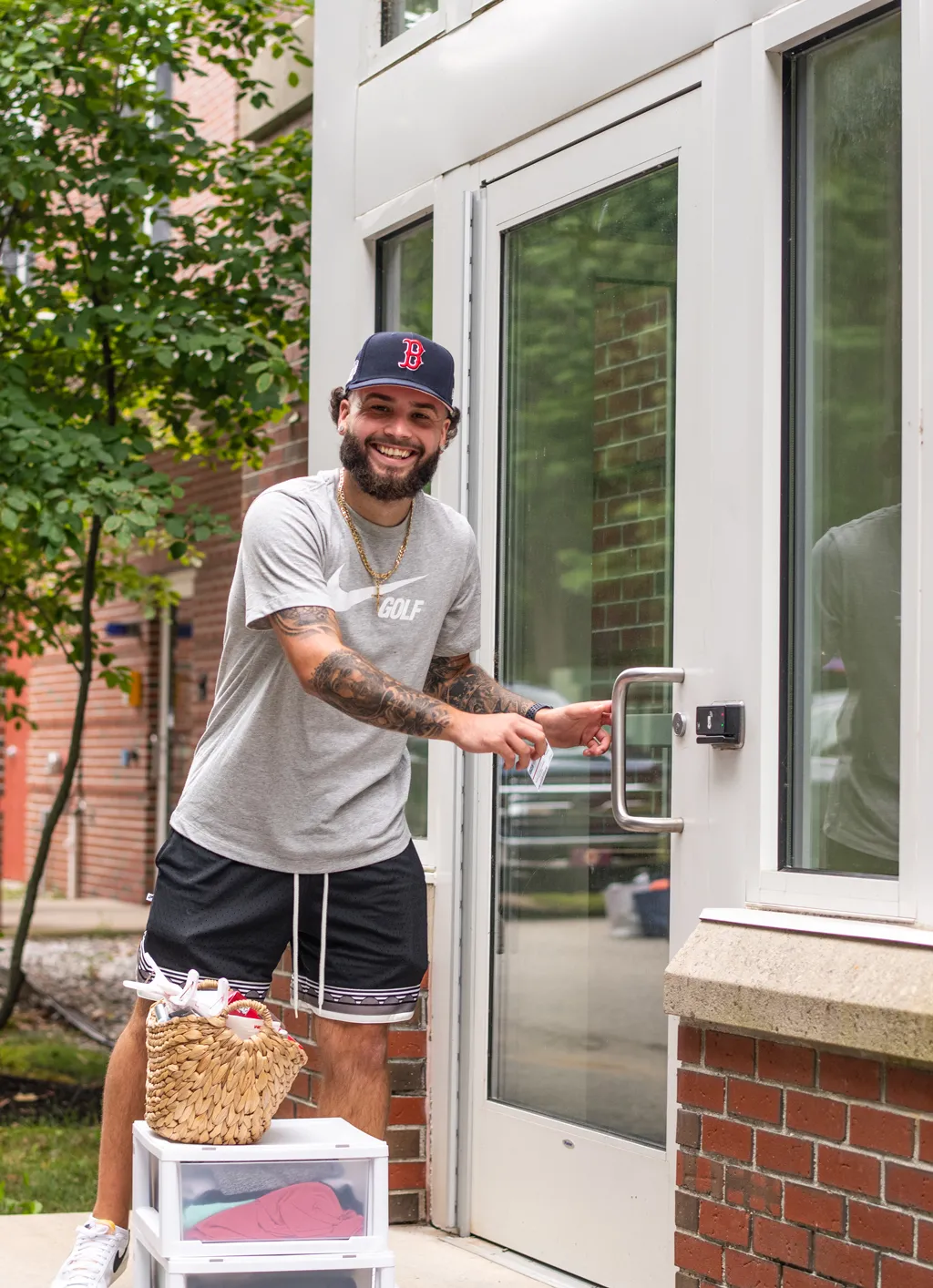
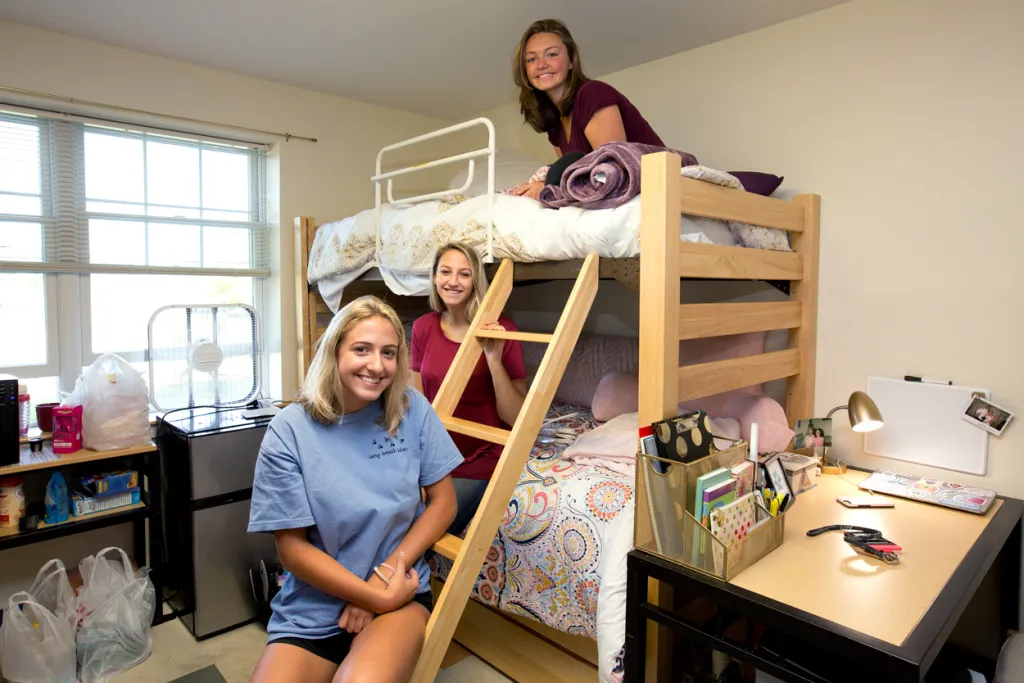
Apply for Housing
Housing
Meal Plans and Dining
As a residential student, you are automatically assigned a meal plan, so there is no separate application to complete. The plan includes a set number of meals per week in the dining hall and flexible spending dollars for on-campus dining. You can change your meal plan at the beginning of the semester. For more information about the dining facilities and meal plans visit Dining Services.
Contact
For more information contact the Office of Housing and Residential/Commuter Life at housing-office@une.edu or (207) 602-2272.

Attend Orientation
New Student Orientation prepares you for the academic, social, and personal aspects of university life. You’ll make connections and get the important information you’ll need to start at UNE. Attendance is required for all incoming undergraduate students, including first-time college students and transfer students.
New Student Orientation — Spring Entry date coming soon
Contact
For more information about Orientation, contact us at (207) 602-2447 or orientation@une.edu.


Submit Your Health Forms and Update Your Emergency Contact
As a new student, you are required by the State of Maine and UNE to submit the following:
The following immunizations are required for all UNE students attending class on campus:
- Two doses MMR vaccine after age 1 and at least 28 days aparat of MMR antibody titer showing immunity
- Tdap vaccine within the last 10 years and maintained during enrollment
Additional immunization requirements for any student living on campus:
- Meningococcal ACWY vaccine on or after age 16 and within the last 5 years prior to initial move in.
Please check with your program for any additional requirements you may need to provide to them.
Required immunizations must be uploaded to the Medicat Portal. Before uploading, please make sure that each document has your name and date of birth.
Required immunizations must be uploaded to the Medicat Portal. Before uploading, please make sure that each document has your name and date of birth.
- Scan and save your documents individually to your computer or take a picture with your smart phone. If you are uploading multiple documents, save each document as a separate file and upload them individually.
- Login to the patient portal at https://une.medicatconnect.com/
- Click on “Upload Documents”
- Scroll down to choose the type of document you are uploading (“Immunization Record”)
- Click on “Select File” then choose the document you want to upload (or if you are on your phone, you can select a photo from the photo library)
- Then click the upload button at the bottom of the “Upload Documents” list
There will be additional forms to complete in your Medicat Portal and you will also need to upload a copy of your insurance card.
Review the checklist below to make sure you are staying on track with providing the required information:
- Make sure you can log in to your Medicat Portal using your UNE user name and password. Please note that your password cannot contain these special characters: * & $ % ‘ < > !
- Upload your immunization documents
- Complete the Demographic and Health Insurance Information form and save it in the Upload Documents section
- Upload a copy of the front and back of your insurance card (click on “Insurance” in the left-hand menu on the home screen of the portal)
- Fill out the Medical History form
- Sign the Consent to Treat, Privacy Notice and Financial Agreement forms
As a UNE student, you are required to have health insurance. You have the option to:
- Purchase health insurance through UNE
- Waive the UNE plan, if you are already insured
Contact
If you have questions contact Student Health Services at (207) 602-2358 or visit the Student Health Services website.
Emergency Contact
We want to know who you’d like us to contact in case of an emergency on campus, so we require that all students provide an Emergency Contact before the start of the year. Your primary Emergency Contact should be a parent or guardian, and you are welcome to list multiple people if there is more than one person we should contact. Log in to UNE Compass then click the Main Menu, under My SelfService select “General Services,” and then “Personal Information,” and select the edit icon under “Emergency Contact” to complete this step.